How to Use AI in Meetings to Boost Productivity

Keeping corporate productivity on track has become a serious challenge, thanks to an endless stream of virtual calls and notes scattered across a dozen different tools. Using AI for meetings is emerging as the definitive fix for this chaos, automating repetitive tasks and making sure no strategic decision falls through the cracks.
In this article, you'll see how artificial intelligence is reshaping the modern workday. Discover how to turn conversations into structured action plans, integrate your workflows, and cut through the stress of information overload with modern tools.
Table of Contents
Automated Meeting Minutes vs. Manual Note-Taking: An Efficiency Comparison for Task Management
How Voice Processing Turns Conversations into Action Through Information Synthesis
Integrating Communication Channels and Protecting Organizational Data in Your Workflow
How Natural Language Processing and Audio-to-Text Transcription Are Transforming Corporate Productivity
The sheer volume of meetings in modern companies has exploded, creating an information overload that undermines day-to-day efficiency. This is exactly where AI for meetings tools become a game-changer, converting casual conversations into highly structured business intelligence assets.
"The overload of ineffective meetings and the loss of critical information cost organizations billions of dollars a year in lost productivity." — Harvard Business Review, 2022
This shift is built on two core technologies: Natural Language Processing (NLP) and advanced audio-to-text transcription systems. Rather than simply producing a static, word-for-word record, these tools decode context, intent, and the key points teams actually discussed. Understanding how AI video transcription works is the first step toward this modernization. From this angle, the process becomes a genuine transformation for corporate productivity, streamlining the workflow end to end.
Automating this recording process delivers immediate benefits for organizations, including:
Eliminating manual errors: Cuts out the need to write minutes by hand, preventing crucial decisions made during business conversations from getting lost.
Accessible information: Lets absent team members or new hires quickly get up to speed on complex projects through fast text search.
Full focus on the discussion: Frees professionals from constant note-taking, allowing them to participate actively in strategic debates.
By weaving these technologies into daily operations, companies stop treating discussions as one-off events and start viewing them as an ongoing source of structured data. If your team relies on integrated platforms, this complete guide to Teams integration can help you get the most out of robust solutions. What's more, this built-in intelligence makes it easier to distribute responsibilities quickly and keeps everyone strategically aligned, reducing the stress caused by records scattered across different platforms and channels.
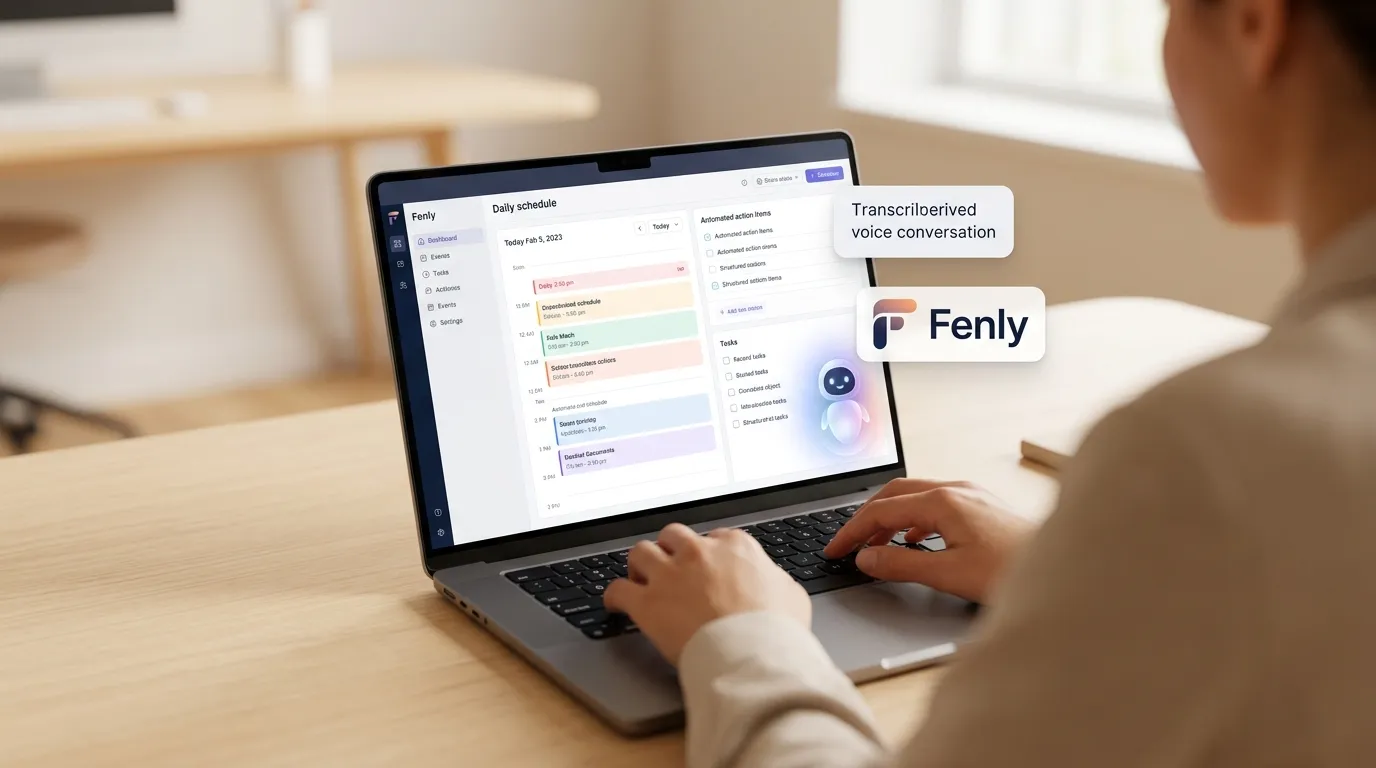
Automated Meeting Minutes vs. Manual Note-Taking: An Efficiency Comparison for Task Management
Keeping a record of meetings is essential for aligning workflows, but traditional methods hold back corporate productivity. Manual note-taking causes distractions, loses critical data, and creates gaps in downstream task management. To fix this, shifting to modern systems can streamline how teams work day to day.
"Information overload and unproductive meetings are among the top barriers to efficiency in the modern workplace, costing professionals valuable focus hours every week." — Harvard Business Review, 2023
Modern AI-powered transcription technology removes human error from tracking open items. Below is a side-by-side look at how each approach handles everyday corporate demands:
Comparison Point | Traditional Method (Manual) | Smart Platform (Fenly) |
|---|---|---|
Communication channel integration | None; notes stay siloed in local files or notebooks. | High; connects directly to daily workflows with Teams integration and Slack integration. |
Turning conversations into tasks | Manual; requires re-reading notes and building task cards one by one. | Automated; converts messages into structured tasks automatically. |
Finding and searching decisions | Slow; requires reading through long minutes to find a resolution. | Instant; provides natural-language answers to questions about past activity. |
The centralization that cutting-edge technology provides brings immediate, practical benefits to everyday operations. Key advantages of automation include:
Reduced communication overload and mental fatigue caused by multiple disconnected channels.
Instant generation of highly accurate, automated meeting minutes powered by a modern transcription system.
Quick access to daily summaries of your activities for better time and strategic planning.
Practical application of Natural Language Processing to turn conversations into context-rich action.
Adopting a smart system for your corporate workflow doesn't just speed up execution — it makes sure that no decision made in a meeting gets lost in the shuffle between digital channels.
How Voice Processing Turns Conversations into Action Through Information Synthesis
The biggest challenge companies face today isn't a shortage of discussions — it's what happens to all that information after the call ends. Without proper documentation, strategic direction gets buried in message history. Modern algorithms close this gap by rethinking how voice and video conversations are processed and turned into practical work assets.
"About 71% of meetings at companies are considered unproductive and inefficient, causing information overload without delivering practical outcomes." — Harvard Business Review, 2017
This shift is powered by Natural Language Processing, which handles audio-to-text transcription with technical precision. Rather than just spitting out a massive wall of transcribed dialogue, the technology performs deep information synthesis. As a result, it filters out side conversations and zeroes in on what actually matters: decisions made, deadlines set, and who owns each project.
When you bring Fenly into your organization's workflow, this extraction happens seamlessly, fully integrated into your existing ecosystem. The platform connects to your corporate channels so information flows without friction:
Turning messages into tasks: Automatically identifies action plans, whether spoken or typed, and drops them straight into your active workflow through efficient AI-powered task organization.
Teams and Slack integration: Connects directly to the main chat and collaboration tools your team already uses to distribute newly assigned commitments, following this complete guide to Teams integration.
Natural-language answers: Lets you look up past decisions and activities just by asking a simple question, eliminating the need to dig through old files.
This way, the knowledge generated in every conversation gets preserved. Ultimately, the direct result is higher productivity and the elimination of the mental burden of tracking everything by hand.

Integrating Communication Channels and Protecting Organizational Data in Your Workflow
When records are scattered across multiple corporate tools, it hurts operational efficiency and increases the mental load on teams. Centralizing these workflows requires smart systems that work together seamlessly, connecting all the touchpoints where decisions actually happen.
This is exactly the fragmentation problem Fenly solves, connecting directly to the tools you already use every day and delivering smooth communication channel integration. Instead of leaving insights from virtual meetings siloed, the platform consolidates scattered data and turns it into practical action.
"About 60% of professionals' work time is spent on coordination and searching for information, rather than on the core tasks that actually matter." — Harvard University, 2022
Messaging Sync: Teams integration makes sure verbal agreements become structured tasks in those channels right away.
Activity Summaries: Sending daily summaries of activity consolidates what was discussed by email and chat, removing the need to manually chase down open items.
Smart Interaction: The system provides natural-language answers to questions about your activity, letting you find past decisions in seconds.
Alongside connectivity, protecting organizational data is treated as an absolute priority. Handling sensitive corporate information requires strict end-to-end encryption protocols and compliance with global privacy standards, such as GDPR and Brazil's LGPD. By structuring the process of turning messages into tasks, the platform ensures technical compliance while keeping ownership and control of information strictly within the client company's domain — with no leaks or third-party exposure.
Conclusion
Optimizing corporate workflows takes a lot more than simply recording calls. As we've seen, the real turning point for corporate productivity lies in intelligence that can unify communication channels, synthesize what was discussed, and organize outstanding tasks without creating new bottlenecks or demanding repetitive manual work.
Fenly delivers this centralization in a smart, secure way. By connecting your emails and chats through cutting-edge features, it simplifies your routine and delivers daily activity summaries structured into clear actions. Try Fenly to automate your workflows and discover the power of true AI for meetings focused on real, practical results.
Frequently Asked Questions
How does audio-to-text transcription improve task management?
Instantly converting speech into digital records eliminates the need for manual note-taking during fast-moving meetings. Using Natural Language Processing, the system identifies verbal commitments and automatically extracts responsibilities directly into your company's channels. This results in automated meeting minutes structured into a clean action plan, immediately boosting overall corporate productivity.
How does AI-powered information synthesis work across corporate channels?
Instead of producing long, hard-to-read text blocks, modern algorithms perform detailed semantic analysis of everything discussed across integrated channels like email and chat. The technology filters out irrelevant chatter and synthesizes the essential information, generating activity summaries focused on decision-making. The result is the fast, reliable transformation of messages into real tasks for operational teams.
Is it safe to use AI for meetings involving sensitive company data and strategic decisions?
Yes, as long as the platform you choose follows strict privacy and technical security standards. A robust solution like Fenly ensures that all video or voice transcription is processed under encrypted protocols compliant with GDPR and Brazil's LGPD. This way, corporate information from your integrated channels stays private and restricted to your team's internal use only.