Guide: Optimize Your Teams Integration for Smarter Workflows
Staying productive amid a constant flood of workplace messages is one of the biggest challenges facing modern companies. Centralizing communication channels has emerged as the answer to missed deadlines and team burnout. Through smart Teams integration, you can turn scattered conversations into organized workflows without any manual effort.
In this guide, you'll learn how specialized AI captures the context of your meetings and chats to structure your daily planning. Discover how this technology simplifies day-to-day operations, eliminates alignment bottlenecks, and converts simple interactions into practical, ready-to-act plans for your business.
Table of Contents
- How Teams Integration Boosts Workflow Through AI for Productivity
- Manual vs. Automated Management: Extracting Tasks and Summarizing Meeting Information
- Natural Language Processing and Historical Search: How Conversations Become Structured Action Plans
- Dynamic Contact Mapping and Org Charts for Daily Project Planning
- Conclusion
- Frequently Asked Questions
How Teams Integration Boosts Workflow Through AI for Productivity
Today's workplace demands fast responses and decisions grounded in structured data. Yet the sheer volume of daily messages leads to scattered focus and missed deadlines. Implementing AI for productivity tackles this bottleneck head-on, turning overloaded communication channels into organized sources of strategic planning.
"Information overload and constant switching between communication tools can reduce professionals' productivity by up to 40% over the course of a workday." — American Psychological Association (APA), 2021
From this perspective, connecting advanced text-analysis technology to the channels where professionals already collaborate drastically cuts down the time spent manually digging through history and pending tasks. This shift happens through advanced techniques for processing unstructured data, streamlining team workflows in the following ways:
- Natural Language Processing: Understands the intent behind conversations in chats and video calls, identifying informal deadlines and turning discussions into clear action plans.
- Information summarization: Consolidates complex topics covered throughout the day into structured, objective daily summaries, removing the need to scroll through dozens of accumulated messages.
- Corporate data security: Ensures every analysis, data extraction, and history archive complies with the privacy and technical standards the market demands.
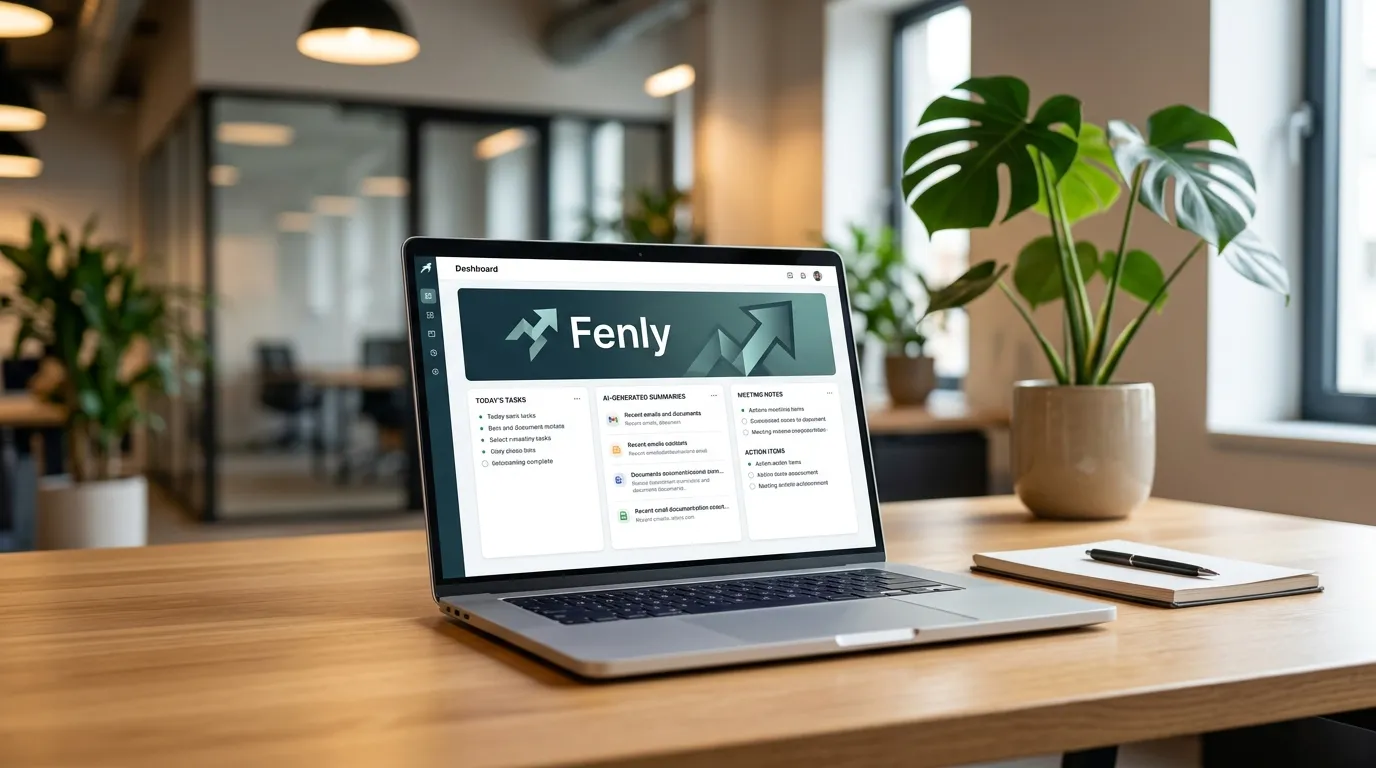
Through this smart connectivity, Fenly plugs directly into your team's collaboration hub. The tool analyzes channel activity and automatically generates your commitments through an AI task manager. This enables dynamic project management straight from everyday discussions, freeing up leaders and analysts to focus on business growth and actual results.

Manual vs. Automated Management: Extracting Tasks and Summarizing Meeting Information
Managing workflows after team meetings often swings between exhausting manual processes and smart automation. When teams rely on someone manually documenting decisions, critical details get lost and project execution falls behind.
"Roughly 60% of office workers' time is spent on coordination and task organization activities rather than the specialized work they were actually hired to do." — Harvard Business Review, 2020
By contrast, specialized technology changes this picture by turning unstructured data into immediate action plans. Here are the key practical differences this makes:
- Less cognitive load: Professionals no longer have to actively write up meeting notes.
- Standardized processes: Ensures every deliverable follows a clear, logical flow with proper AI-powered task organization.
- Technical accuracy: Uses Natural Language Processing to capture complex terminology without distortion.
To highlight the operational impact, the table below compares the traditional manual approach with Fenly's platform:
| Comparison | Traditional Manual Method | Fenly Platform |
|---|---|---|
| Task extraction and summarization | Human record-keeping prone to errors, omissions, and delayed distribution. | Accurate information summarization with automatic, structured extraction of commitments. |
| Channel centralization | Information scattered across emails, chats, and physical notes. | Unified in a single environment, supported by integrated messaging. |
| Relationship mapping | Manually built, static org charts and assignment flowcharts. | Dynamic org chart generation and contact mapping integrated with projects. |
As a result, switching to tools that provide automated meeting transcription solves the persistent problem of lost historical context. Automating daily planning removes communication bottlenecks, letting employees focus on real technical work instead of filling out administrative tracking spreadsheets.
Natural Language Processing and Historical Search: How Conversations Become Structured Action Plans
In today's workplace, the volume of daily interactions across digital communication channels is massive. To avoid missed deadlines and forgotten strategic decisions, Natural Language Processing combined with efficient historical search is essential for turning informal conversations into clear work direction.
"Information overload and constant switching between different digital communication channels can reduce professionals' cognitive productivity by up to 40%." — American Psychological Association (APA), 2021
What's more, Fenly addresses this pain point directly by centralizing the flow of information. Thanks to its strong connection with your meeting tool, the platform analyzes discussions from chats and meetings to structure your workflow. Instead of scrolling endlessly through message history, users can simply ask the AI in plain language what was decided.
This cutting-edge technology instantly converts complex discussions into action plans. The key features that make this time-saving possible include:
- Information summarization: Condenses long discussions into objective summaries highlighting the key points.
- Turning messages into tasks: Automatically extracts commitments mentioned in conversations, creating structured to-do lists with owners and deadlines. AI applied to everyday work enables truly efficient task organization with AI.
- Smart history retrieval: Instantly finds past decisions through simple questions, eliminating tedious manual searches and functioning as a true AI second brain for the team.
Therefore, by connecting AI for productivity to everyday tools, companies get automated contact and org-chart mapping. This reduces mental strain on teams, protects operational integrity, and ensures nothing important gets lost in the noise of daily communication.

Dynamic Contact Mapping and Org Charts for Daily Project Planning
Managing complex projects takes more than simply tracking timelines. Understanding communication patterns between team members and the informal hierarchy at play is key to avoiding operational bottlenecks. Advanced communication APIs combined with Natural Language Processing systems make it possible to map these interactions visually and logically.
"Poor corporate communication and unclear project roles are cited as one of the leading causes of workplace delays." — Project Management Institute (PMI), 2023
Indeed, Fenly streamlines this dynamic by correlating messages and meetings to build a work relationship map that reflects how projects are actually governed. This technology supports daily planning by clarifying who the real decision-makers and technical experts are for each deliverable. By connecting channels — including calls and conversations — the platform paints a clear picture of operational workflows.
As a result, dynamic contact mapping delivers the following practical benefits for organizational efficiency:
- Identifying go-to people: Instantly see which team members are most often consulted to resolve specific technical questions for each project.
- Less operational noise: Routes new requests to the right people, avoiding unnecessary meetings.
- Structured interaction history: Quick access to the context behind past decisions based on the connections between stakeholders.
By combining contact mapping with intelligent task distribution, the platform removes the need for manually updating org charts. Managers gain clear insight into each team's level of involvement, simplifying strategic decisions and ensuring daily project planning is grounded in the company's real communication patterns.
Conclusion
Optimizing corporate workflows means cutting through the noise created by too many communication tools. Relying on manual processes to record decisions and assign work leads to lost competitiveness and cognitive overload for teams. Smart automation is the ideal path to bringing order to the daily chaos of workplace interactions.
Fenly brings this evolution together by automatically extracting tasks, summarizing meetings, and structuring project planning. By adopting our technology, your company can make sure no strategic decision gets lost in the flood of work chats. Boost your operational efficiency today and transform internal collaboration with our powerful Teams integration.
Frequently Asked Questions
How does AI for productivity improve my company's meetings?
AI for productivity has a direct impact through automated meeting transcription and summarization of complex information. Instead of spending time writing manual meeting notes, the system captures key decisions in real time. This ensures every alignment and deadline discussed on video calls or chat gets turned into a structured action plan without losing operational context.
What is Natural Language Processing, and why does it matter for task management?
Natural Language Processing is the technology that enables computers to understand, interpret, and analyze human language — spoken or written — in context. In task and workflow management, this technology is crucial for picking up on implied commitments in everyday conversations, allowing automatic extraction of tasks straight from communication channels and organizing your daily agenda.
How is corporate data kept secure when automating message and chat summaries?
Corporate data security is a cornerstone of any business automation tool. Fenly uses end-to-end encryption and follows strict technical compliance standards to ensure that all transcripts, conversation histories, and daily summaries generated stay confidential — protecting your company's intellectual property from unauthorized access and leaks.
How does information summarization help reduce workplace stress?
Information summarization tackles communication overload head-on by condensing long email threads, chats, and meeting recordings into objective, structured summaries. This removes the need for employees to read through hundreds of accumulated messages just to understand a single decision. By cutting down time spent on purely administrative tasks, teams can focus on strategic work, improving overall organizational well-being.